> ## Documentation Index
> Fetch the complete documentation index at: https://docs-dev-fix-project-hockey-stick-2.mintlify.site/llms.txt
> Use this file to discover all available pages before exploring further.
> Describes how to test database connections for applications using the Auth0 Dashboard.
# Test Database Connections
You can test database connections for applications using the Auth0 Dashboard. The configured database connections can be used to log in to your application.
To properly test, you should have already [set up your database connection](/docs/get-started/applications/set-up-database-connections) and [created a user](/docs/manage-users/user-accounts/create-users) for your database connection.
1. Navigate to [Auth0 Dashboard > Authentication > Database](https://manage.auth0.com/#/connections/database), and select the **Try** arrow next to the connection you want to test.
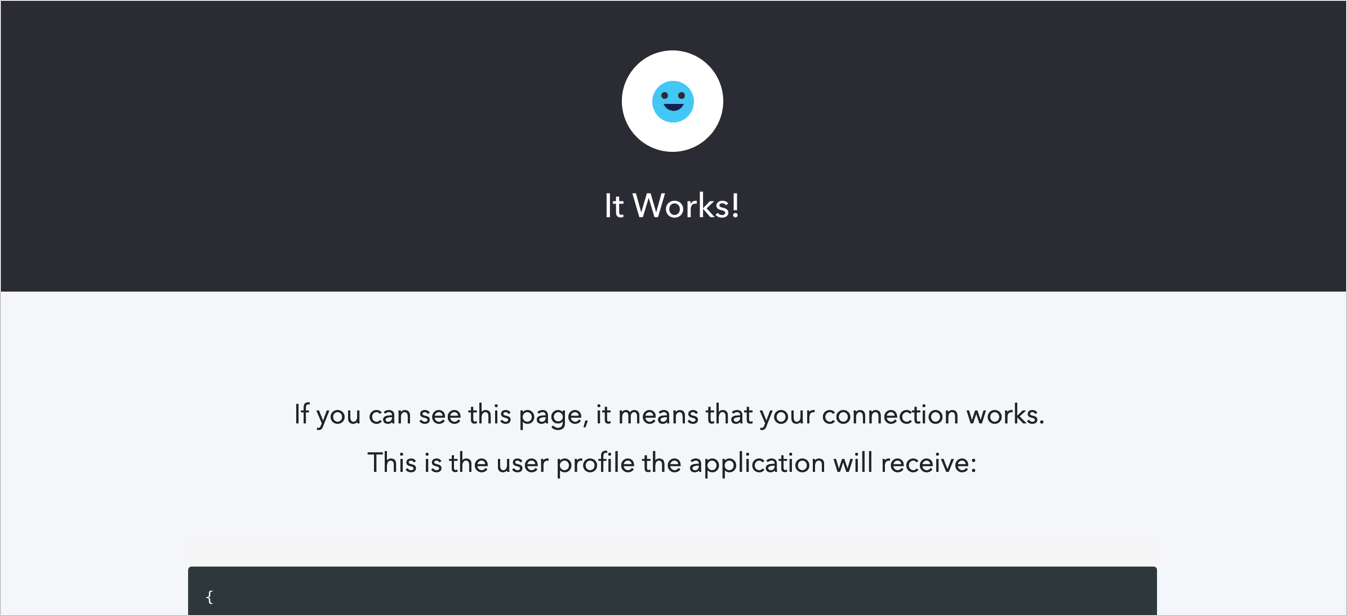
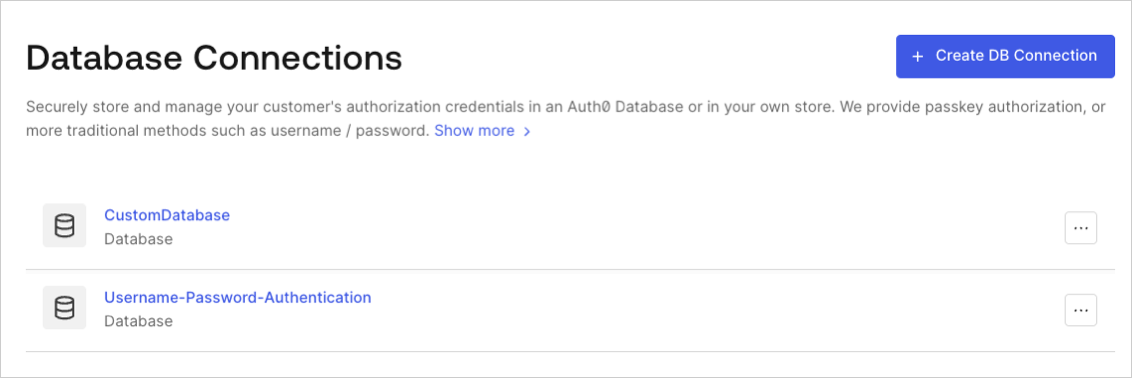 2. Enter your test user's username and password. If you have configured everything correctly, you will see the **It Works!** page:
 ## Learn more
* [Set Up Database Connections](/docs/get-started/applications/set-up-database-connections)
## Learn more
* [Set Up Database Connections](/docs/get-started/applications/set-up-database-connections)